Network solutions by SwitchON
Wi-Fi that reaches the rooms you live in.
A network designed around your home.
Built for everyday life
Choose what matters to you.
We plan the network around it.
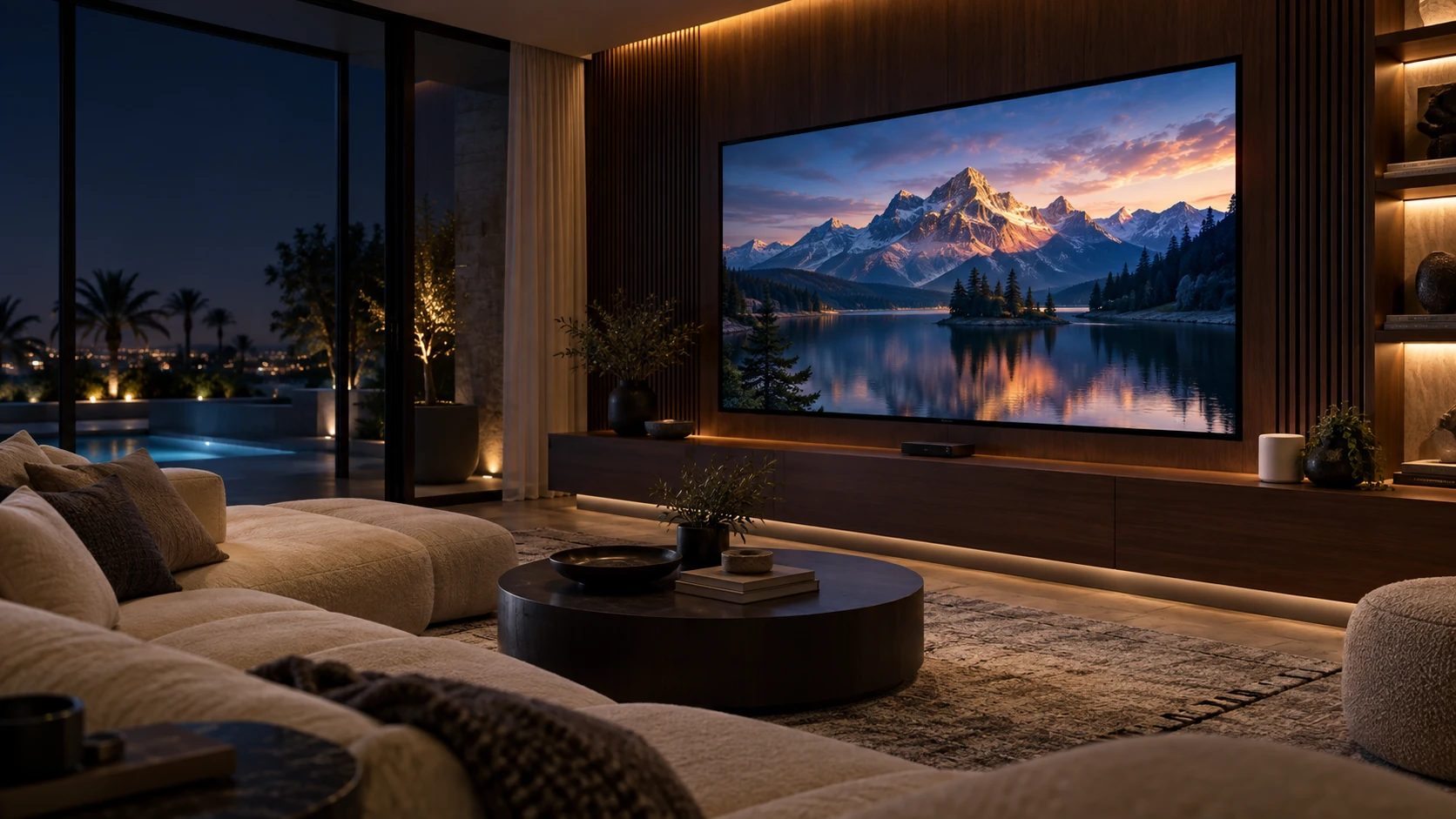
Movie nights
Give the TV and streaming box a dependable connection. Wired where practical, with Wi-Fi planned around the room.
TV & streaming · Wi-Fi or EthernetEngineered behind the scenes
Tap a component to see how the wired side of your network fits together.
The gateway connects your provider’s service to the home network. We configure it to suit the rest of the system.
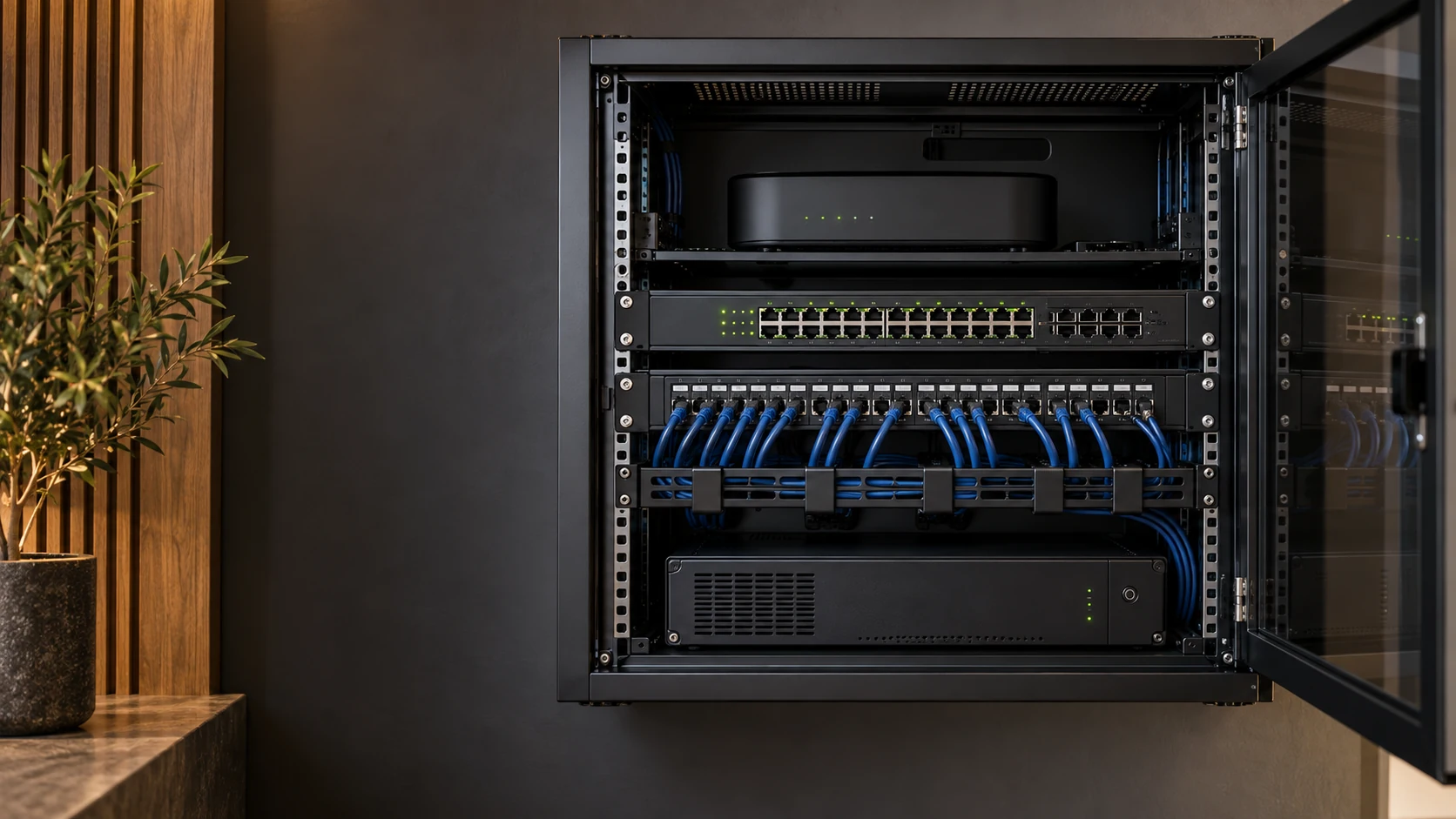
Illustrative cabinet. The final equipment, cabling and backup options follow your network design.
Before we connect
A design that suits your home starts with the right expectations.
Your provider’s package still sets the internet speed available. Mesh and good cabling help distribute that connection and reduce local coverage problems. They do not increase the speed of the incoming service.
No. Three points are shown to explain the idea in the example villa. Your layout, walls, floor slabs and device locations determine the number and positions in the actual design.
Compatible mesh points can link wirelessly or use Ethernet between them. Wired links are especially useful across floors and thick slabs when suitable cable routes are available. We choose the arrangement around your home.
We first check your existing equipment, cabling and available routes. Your ISP router can often remain, connected by Ethernet to the new network. Any additional cable work is discussed as part of the design.
A compatible mesh system uses one Wi-Fi name across its points. The timing of a device’s move between points also depends on its roaming support and the configuration. We set up the system around the devices you use.

Your floor plan is the starting point
Send us your layout. SwitchON engineers will design the network around your home.
Free Design & QuotationDesign · Installation · After-sales support